April 5, 2026
Introducing ProductionPlanner.io
A single workspace for scheduling, resources, budgets, team coordination, and communication. Here is what we built and why.
By John Barker
Production teams have always been good at making things happen. The problem is rarely the people. It is the tools. Schedules live in spreadsheets. Files get emailed around. Budgets sit in a separate app. Team communication happens in group chats where important updates get buried under memes.
We built ProductionPlanner.io to bring all of that into one place. Today, we are making it available to production teams everywhere.
What ProductionPlanner.io does
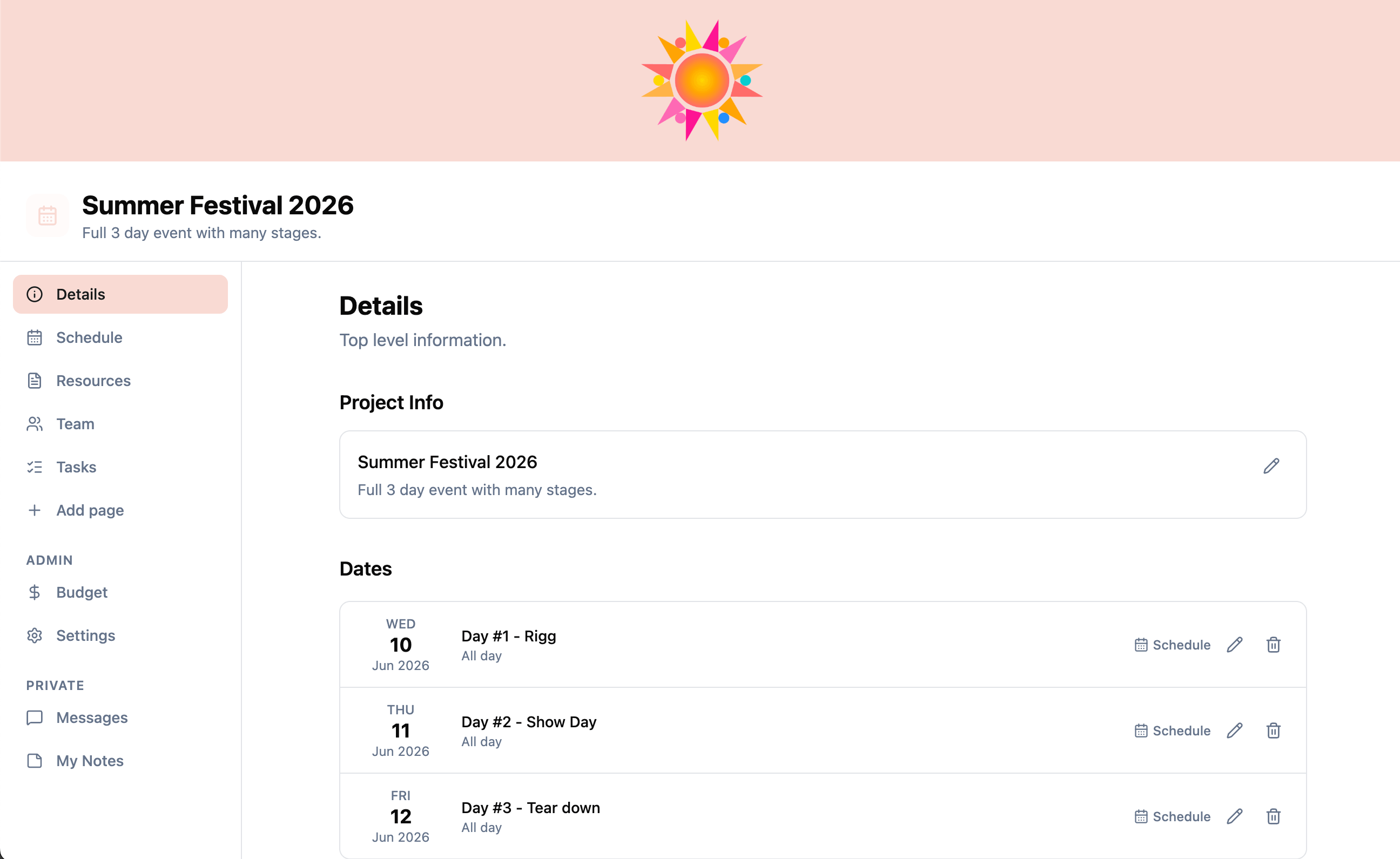
ProductionPlanner.io is a project management tool designed specifically for production work. It covers the core workflows that every production team needs:
- Building and sharing day-by-day schedules
- Organizing files and collecting documents from external contacts
- Tracking budgets against estimates
- Coordinating team members across departments
- Communicating within the project, not in a separate app
Each feature is built around how production teams actually work. Here is a closer look.
Video overview
Production schedule
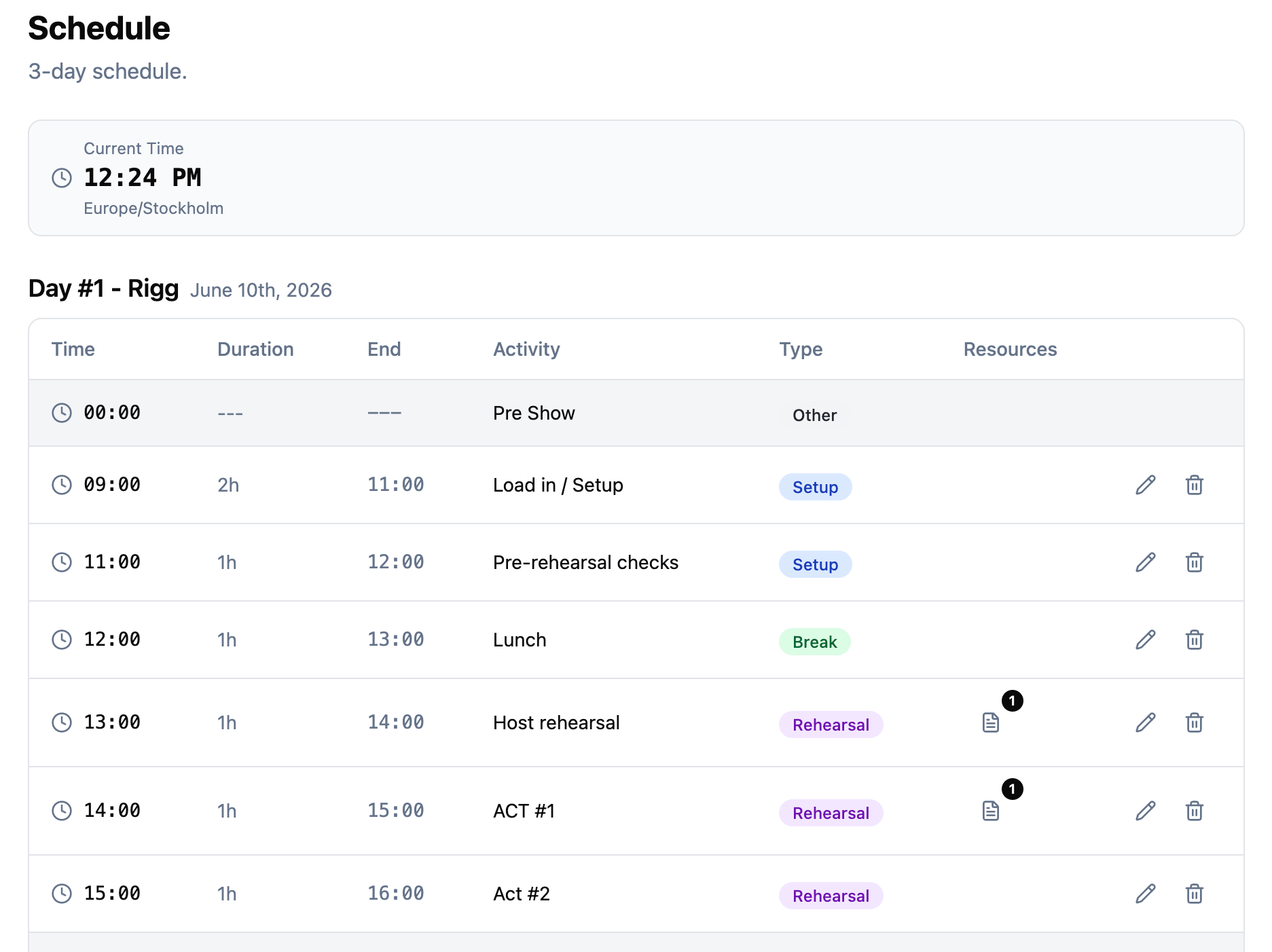
The production schedule is a day-by-day timeline for your project. Each date gets its own schedule, and each schedule is made up of timed items. Items are categorized by type: setup, rehearsal, break, show, breakout, or other.
Breakout sessions handle parallel activities. If your event has multiple rooms or tracks running at the same time, the schedule shows them together as a single block with labeled tracks. Attach files or links to any schedule item so your team can access reference materials without leaving the timeline.
All times are timezone-aware. Set the project timezone once, and every team member sees times in that timezone, with a warning if their local timezone differs.
Team and permissions
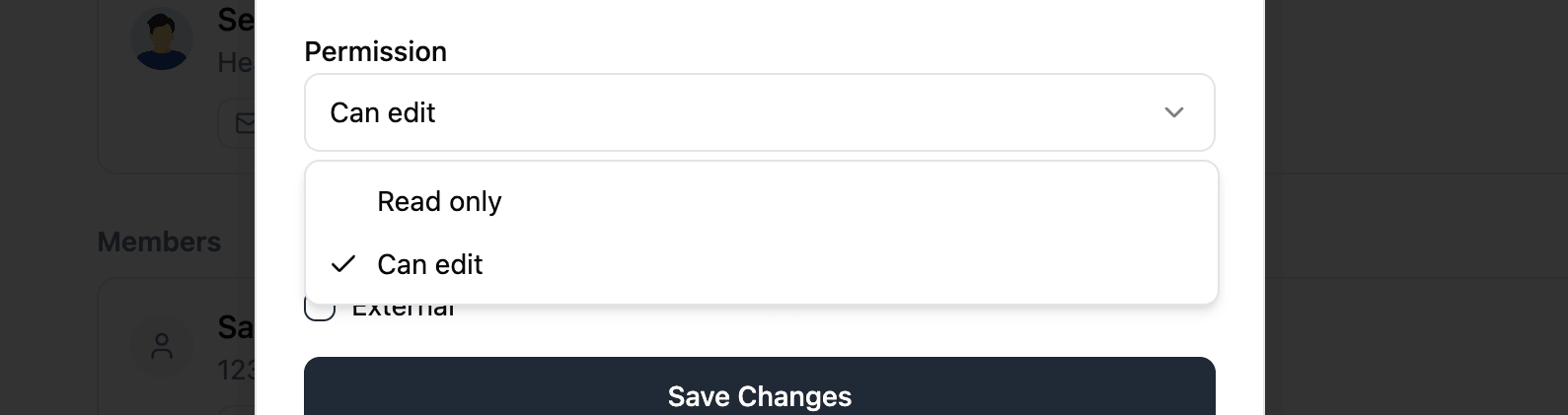
Invite your crew by email or pull them in from your organization roster. Each team member gets a permission level (read or write) and can be assigned to one or more departments.
Read-only members can view everything except budget data. Write members can edit all project content. The project creator always has full access.
Resources and file requests
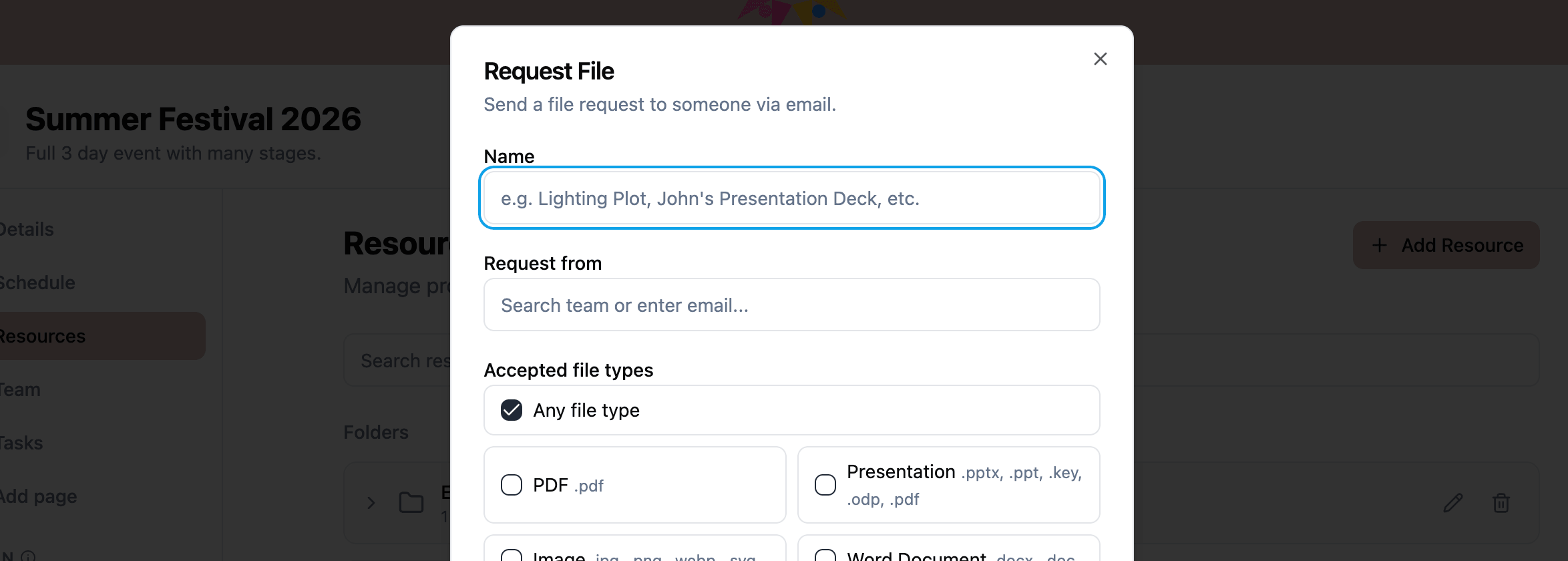
Upload files directly, add links to external content, and organize everything into folders. The file request feature is particularly useful: send someone a secure upload link, and they can submit a file without needing an account. The file lands in your project automatically.
File requests support type restrictions (PDF only, images only, etc.) and can target a specific folder so uploaded files go where they belong.
Tasks and checklists
Tasks work like a shared checklist for the production. Create items, add subtasks, and assign who can mark them complete. Progress tracking shows how far along your team is at a glance.
The completion permission system is flexible. Set a task so anyone can check it off, or restrict it to specific people. A safety check that only the production manager can sign off on works just as well as a general to-do that any crew member can handle.
Budget tracking
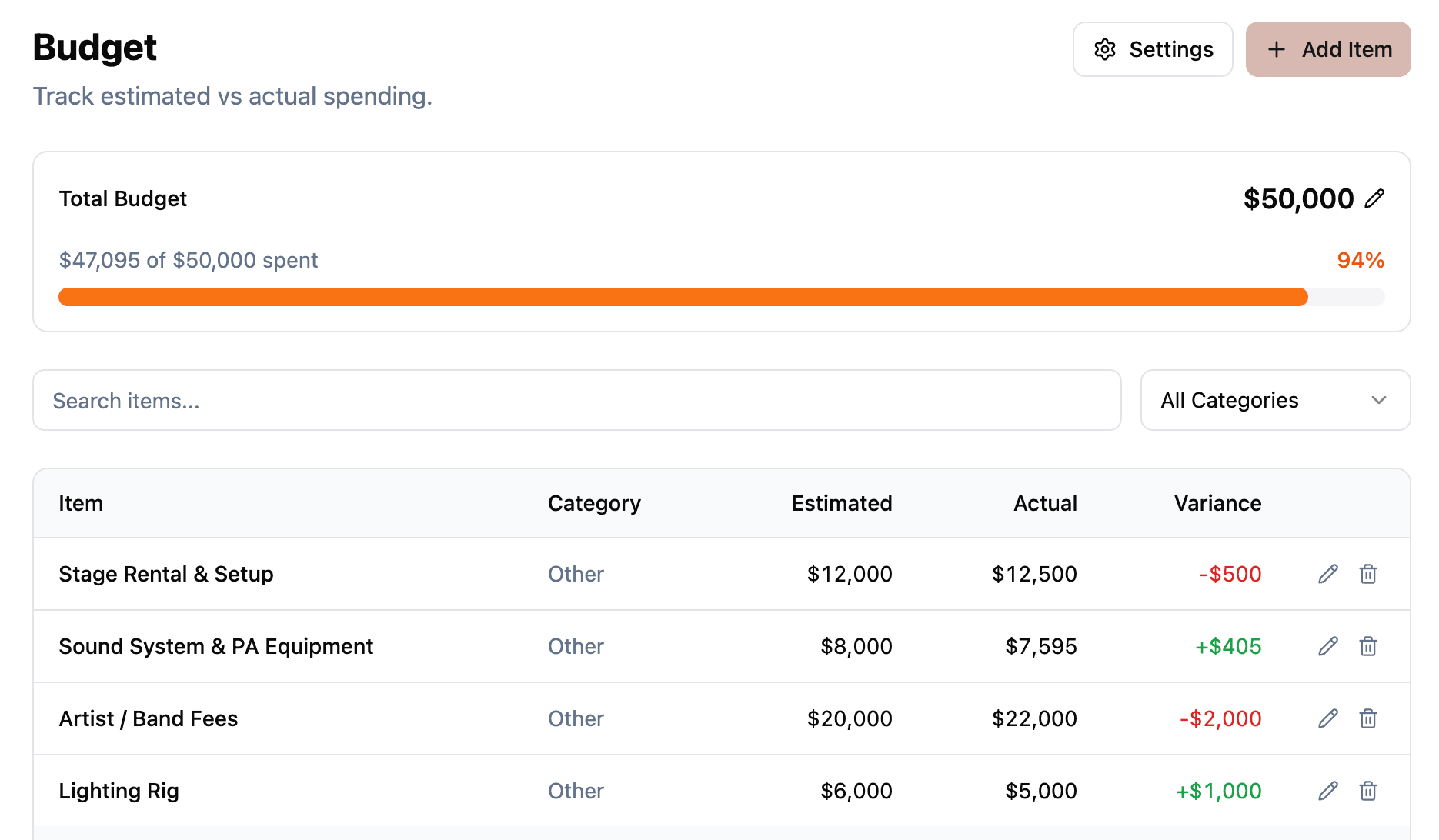
The budget tracker lets you set a project-wide budget cap, choose a currency, and add line items across 10 categories (venue, catering, equipment, talent, travel, marketing, staffing, decor, permits, and other). Each item tracks estimated and actual costs, and a progress indicator shows how spending compares to estimates.
Budget data is only visible to team members with write permission, keeping financial information on a need-to-know basis.
Messaging
Messaging is built into the project so conversations stay close to the work. Send direct messages to individuals or use the group conversation to reach the whole team. Attach resources to messages and track who has read what with per-user read cursors.
Locations and custom pages
Add physical locations with Google Maps integration or digital locations with clickable links. Each location can display a map with a marker or a venue photo.
Custom pages let you embed external content directly in the project sidebar. Bring in YouTube videos, Google Sheets, Miro boards, or any web content your team needs to reference.
Personal notes
Every team member gets a private notes area within the project. Use the rich text editor to jot down personal reminders, meeting notes, or ideas. Notes auto-save as you type and are visible only to you.
Organizations
Organizations group your projects and people together. Create one organization for your production company or team, invite your regular crew, and every new project starts with your roster ready to go. No re-inviting the same people for every show.
What comes next
This is the beginning. We are actively building and will share updates here as new features ship. If you run productions and want a single place for all of it, create your account and try it with your next project.
Read the full documentation to learn more about every feature.
Stay in the loop
Get product updates when new features ship. No spam, unsubscribe anytime.